VP Social Login - Introduction
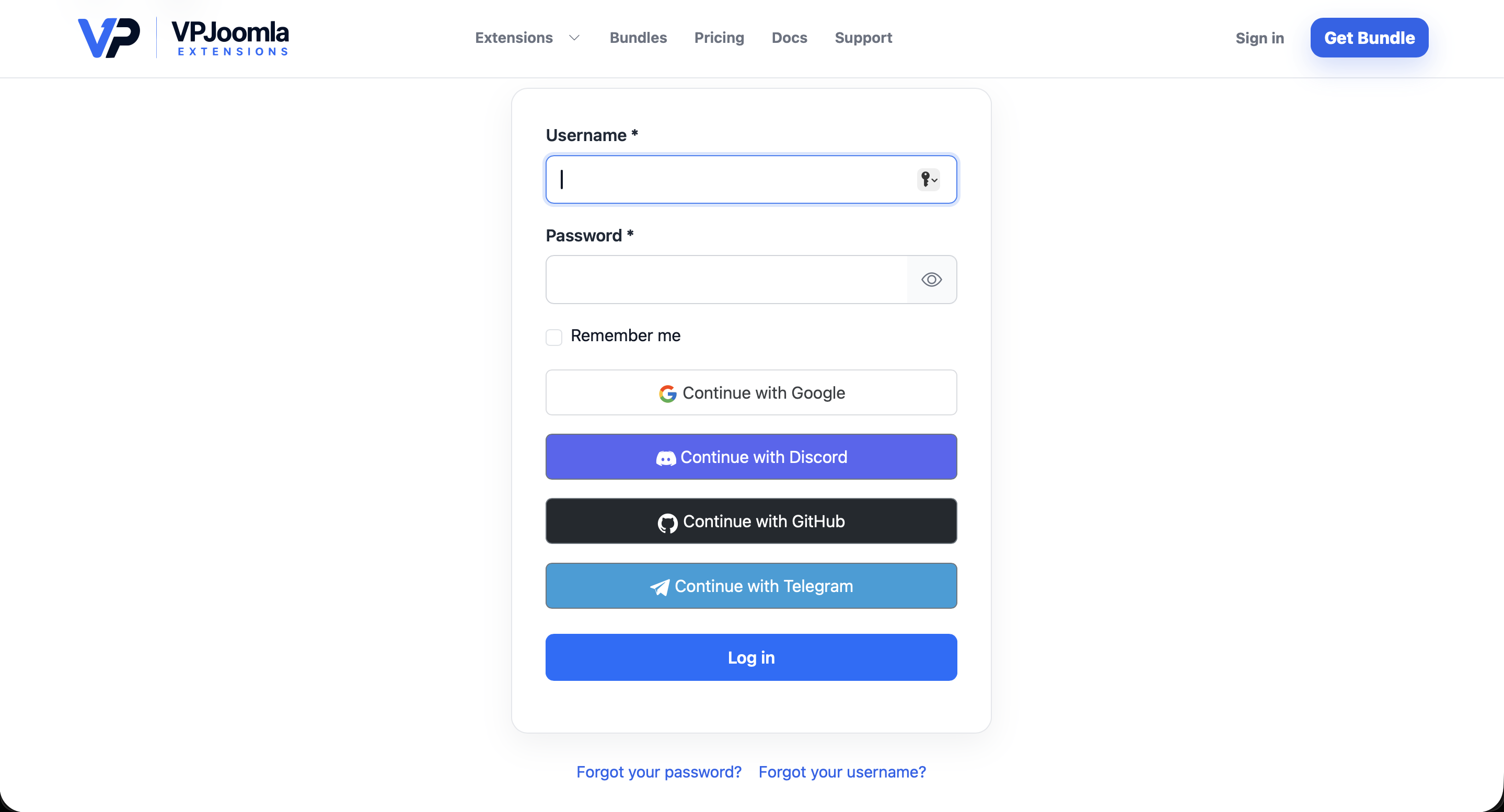
VP Social Login adds one-click social sign-in to your Joomla site — Google, Discord, GitHub and Telegram — right inside the native login form. Members can also link or unlink providers from their own profile, and there's a standalone module for any template position.
What's in the package
VP Social Login installs as a single package containing three parts that work together:
- System plugin — the core. Handles the OAuth flow with each provider, adds the social buttons to the Joomla login form, and powers linking and unlinking.
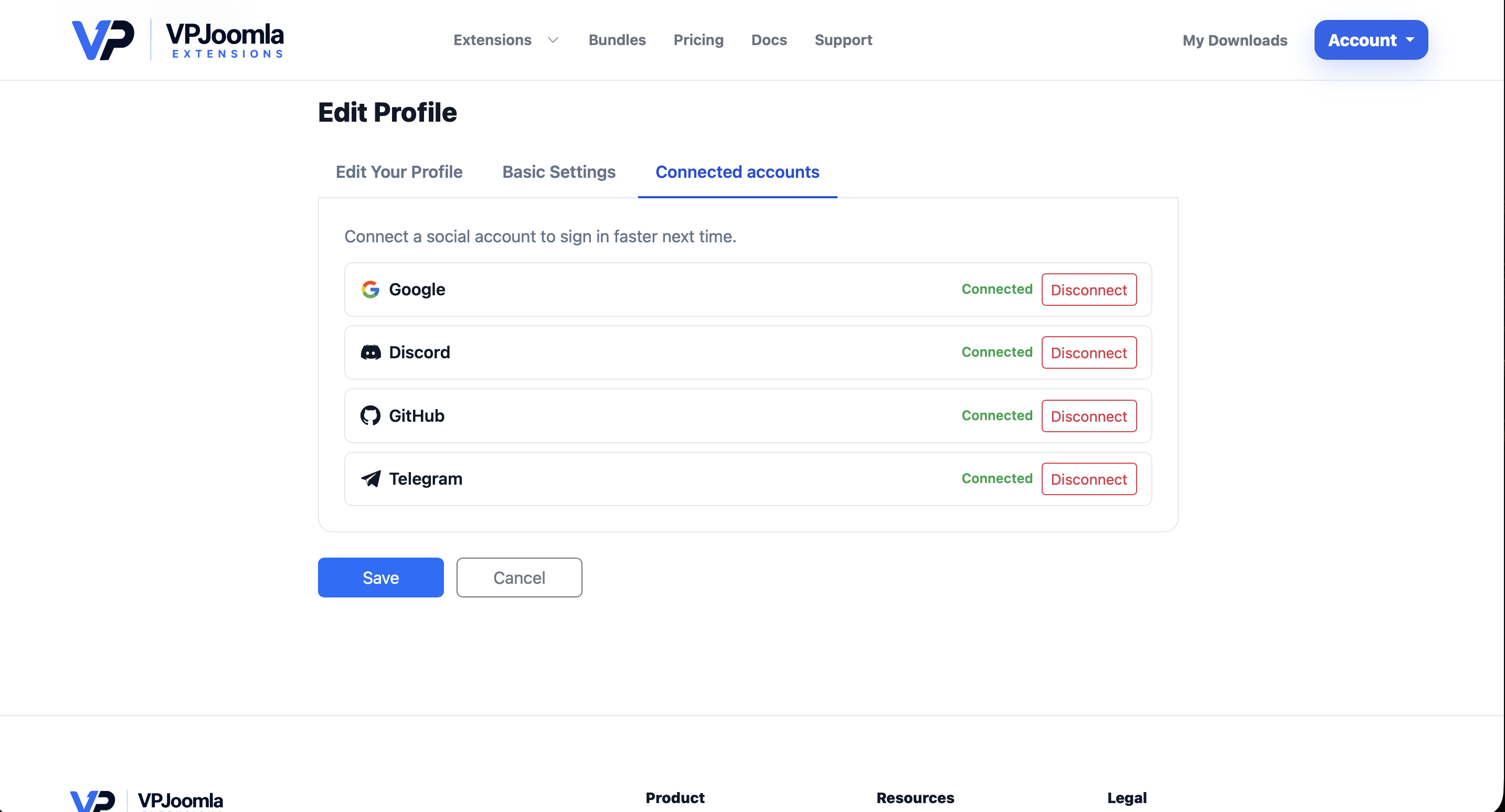
- User plugin — adds the Connected accounts section to the user profile, where members manage their providers.
- Module — a standalone social-login block you can publish in any module position or inside an article.
Supported providers
Four providers are included, all free to set up:
- Google, Discord and GitHub — standard OAuth 2.0.
- Telegram — login through a Telegram bot.
Telegram does not share an e-mail address. For accounts created through Telegram, VP Social Login generates a stable internal address so sign-in and linking keep working normally.
How it works
Once a provider is enabled, its button appears in the Joomla login form automatically — no shortcodes or template edits.
Logged-in members open their profile to connect or disconnect providers from the Connected accounts panel. When a user is deleted, their social links are removed automatically.
Requirements
- Joomla 5.0+ or 6.0+
- PHP 8.1 or newer
- An HTTPS site (required by the providers)
- One OAuth application per provider you enable (free to create)
Next steps
- Installation & setup — install the package and enable the plugins.
- Configuring Google login · Discord · GitHub · Telegram
- The social login module and Connected accounts.
VP Social Login is free and open source under the GNU GPL v2. All four providers are included — no paid tier, no license key.